4D Publish
3D PDF Publishing plugin for Cinema 4D R20, R21, S22, R23, S24, R25, S26, 2023 and 2024.
The leading 3D PDF publishing solution for Cinema 4D.
Design PDF Pages with the new Vector Graphics System. Present products, 3d creations, booth designs, architecture, instruction manuals, CAD, fly throughs and more...
Secure your documents with Password Protection and User Permissions.
Bring your content alive with camera and object animations controlled by the viewer.
Get 4D Publish for R20 to 2024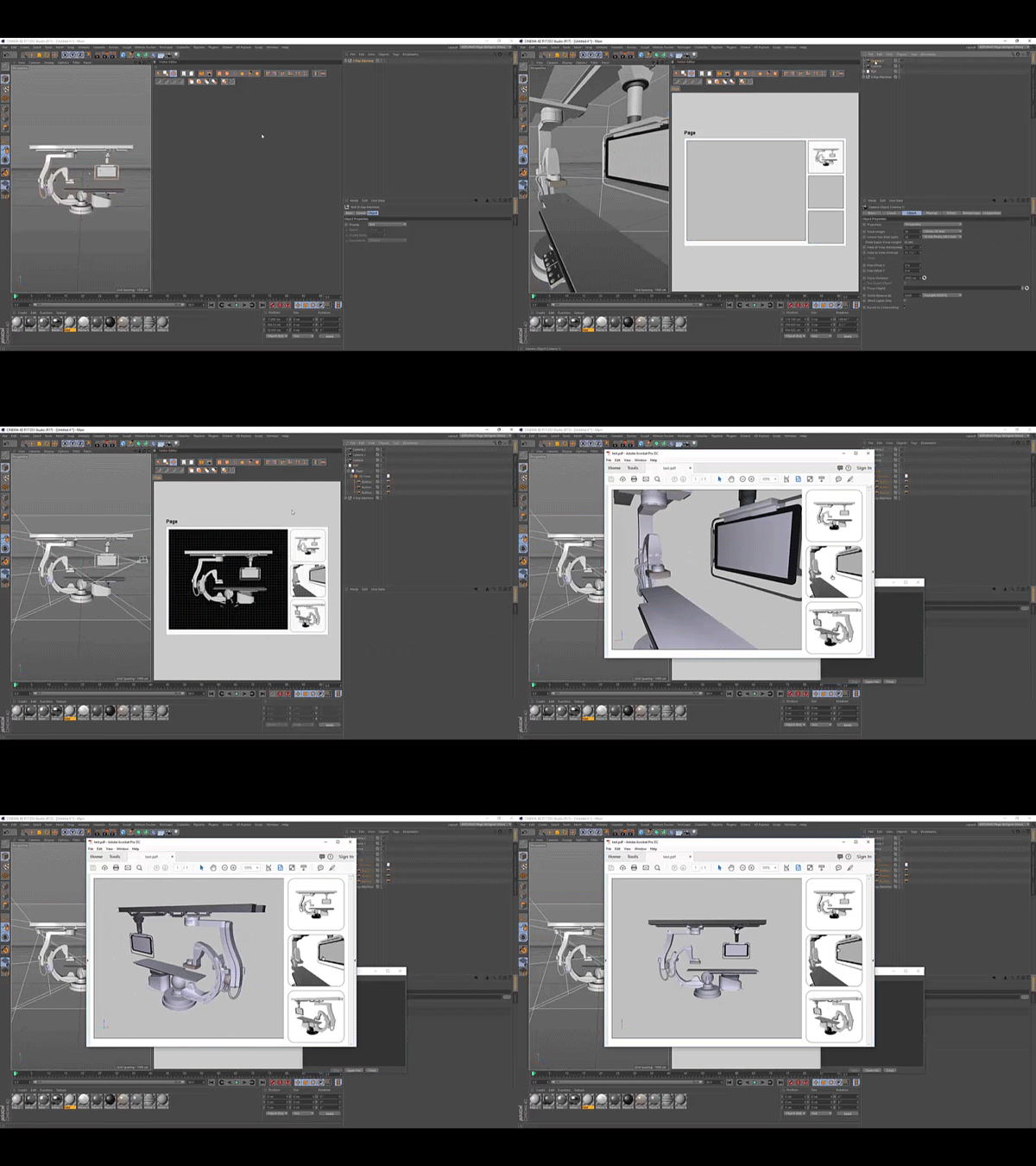
Included Plugins
- 3D PDF Exporter (Including the Page Designer)
- Vector Graphics
- Marker View
- Texture Connections
- Plugin Manager
Overview
- Vector Graphics Page Designer
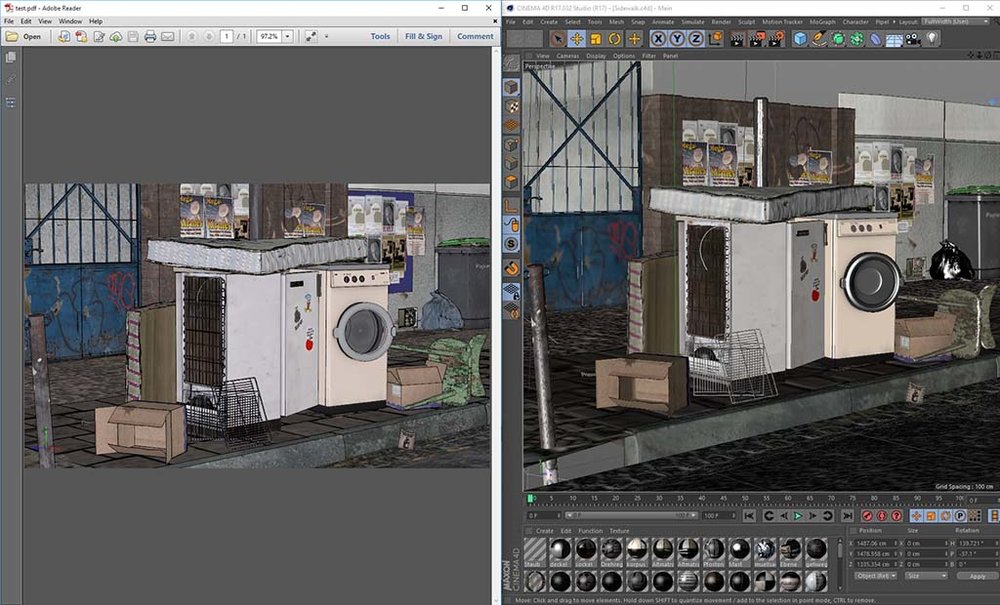
- Create interactive 3D PDF documents with animations and camera movements.
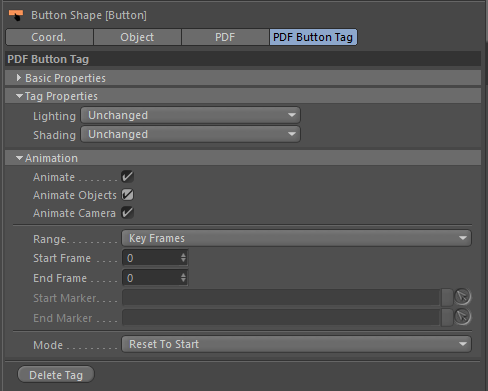
- Allow user to change lighting and shading using buttons.
- Takes support to hide and show 3D models using buttons.
- Secure documents with Passwords and User Permissions.
- Export all geometry and textures from Cinema 4D into a compact PDF document.
- Build presentations, product design, architectural previz, interactive training material and more.
- Viewable by anyone using the free Adobe Acrobat Reader
- Documentation can be found here.
Videos
Page Designer
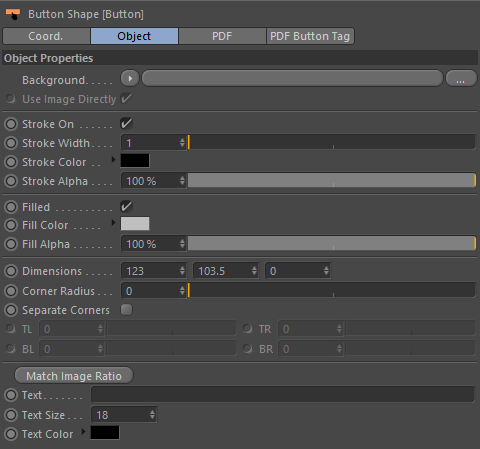
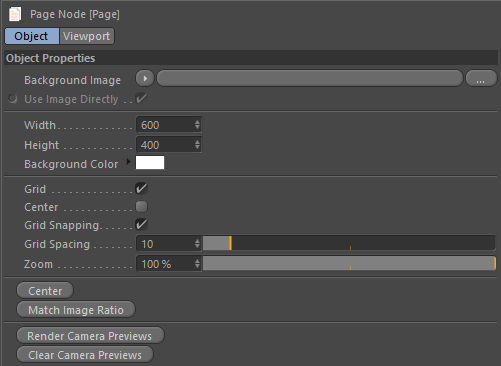
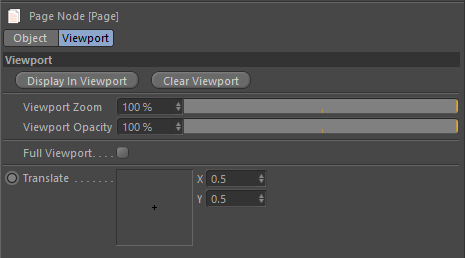
Use the Vector Graphics system to design the look of your PDF page, add buttons to control animations, cameras and switch between takes, save multiple pages and also author multiple PDF documents directly in your scene.
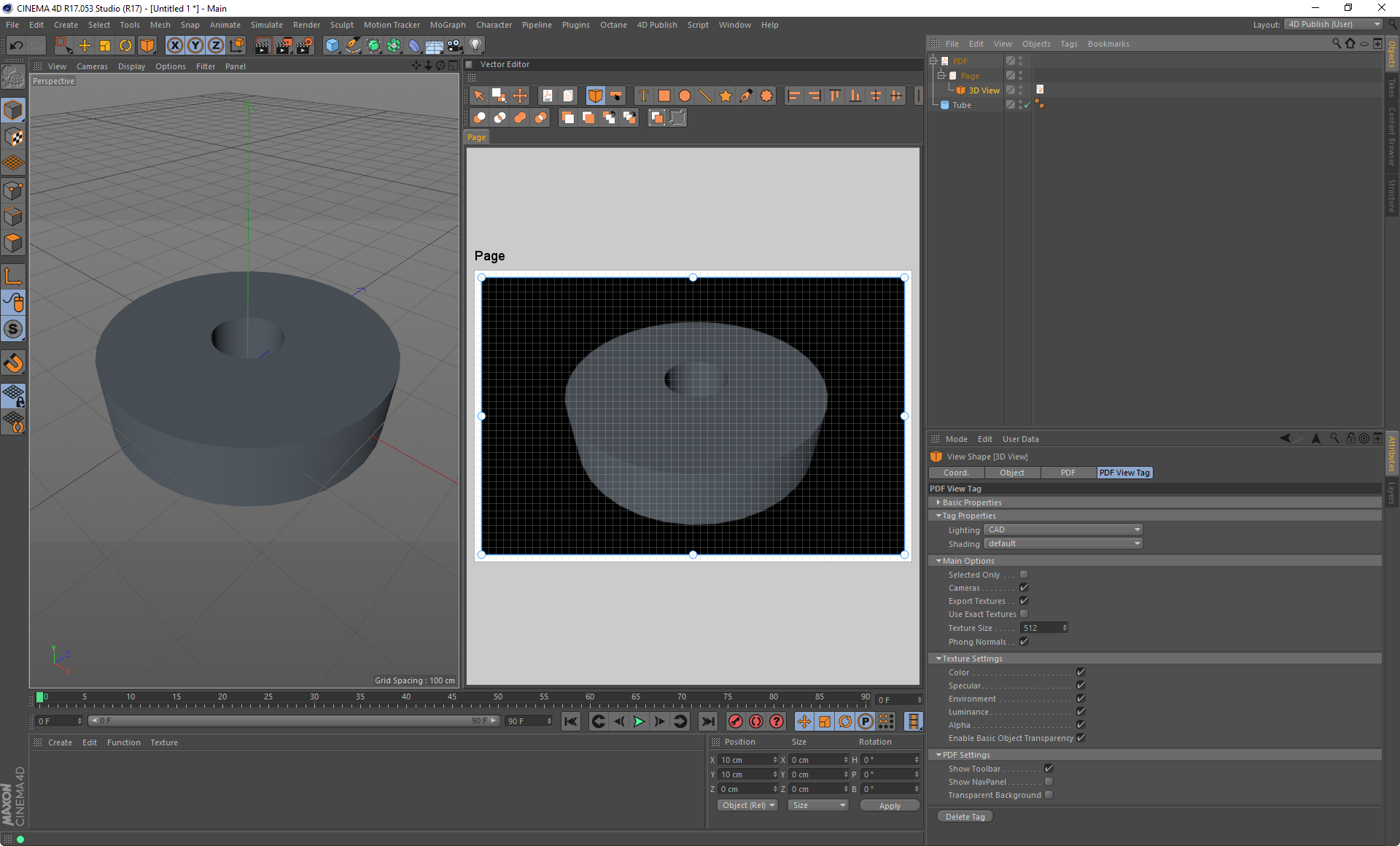
Comes with a custom Layout
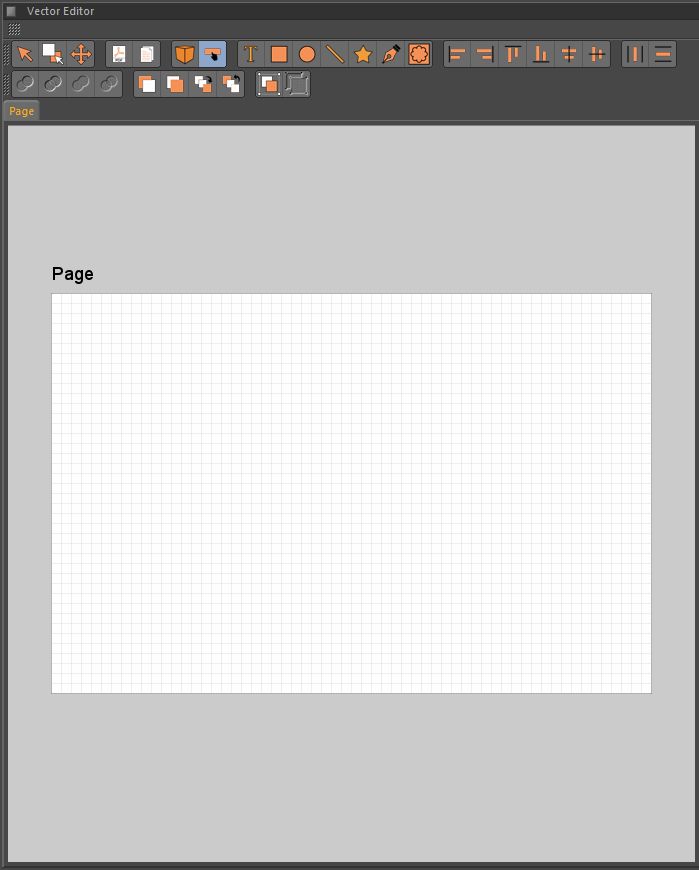
This is the main PDF Page Designer layout. It contains all the PDF tools, a Vector Editor and the 3D View.
Video Tutorials
Vector Graphics PDF Exporter Information
- For animated objects and cameras to work they must all have unique names. It will not work if you use objects, or cameras, with the same names.
- All objects must exist in the scene at the first frame on the main take. Any objects that are spawned, or made visible, during animation will not be exported out. To hide objects and make them visible you should use takes. Have all your objects visible in the main take then use a custom take with some of your objects hidden. Then drag and drop the take onto the 3D view to make it the active scene when the PDF is first loaded. Change between takes using buttons by dragging and dropping the new takes onto them. You can then press the buttons in the PDF to change between takes and thereby changing the visibility of the objects.
- Animations only work for objects with a single material on them.
User Interface
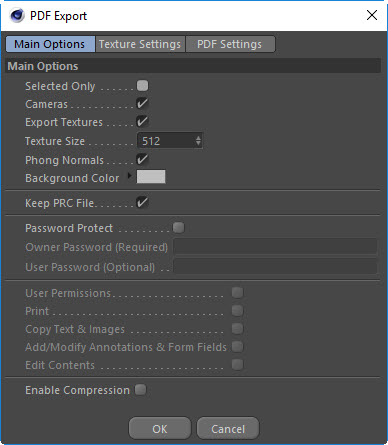
Quick 3D PDF Export
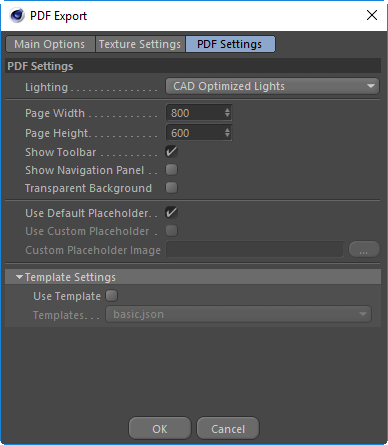
If you need something exported quickly and do not need animation or any of the Visual Page Designing features then you can use the general PDF exporter.
From the File menu choose PDF as your export type.
The scene will then be exported out to a PDF document with the 3D content embedded on a page.
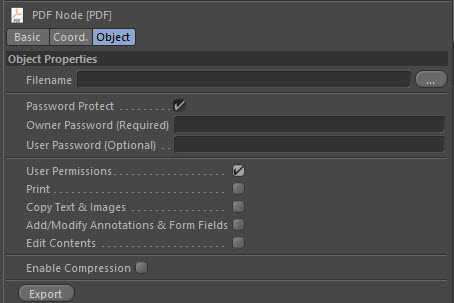
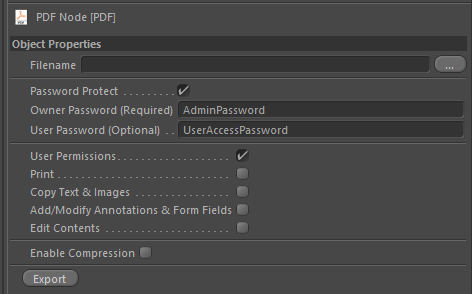
Password Protection and User Permissions
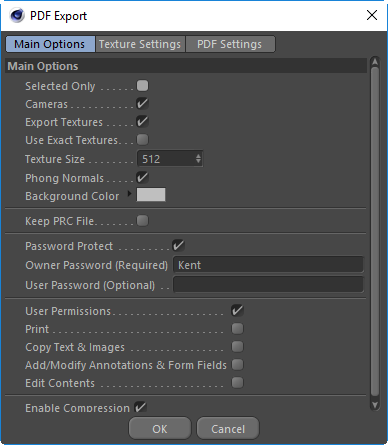
Securely protect your content by adding password protection and user permissions.
Password Protect your files so that only people with the password can open and view the content.
Additionally, or alternatively, you can apply user permissions to a file to restrict the user from being able to copy or change any of the content in the 3D view.
Full Feature List
- Object Animations
- Camera Animations
- Take Support
- Vector Graphics Page Designer
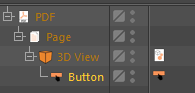
- Buttons
- Trigger Object and Camera Animations
- Switch between Cameras and Takes
- Change the scene Lighting and Shading settings
- Drag and Drop system to apply a camera to a button with a preview rendering.
- Drag and Drop a Take onto a button to automatically hide hidden objects and use the camera from the Take.
- Automated Camera Preview Rendering
- Use Animation Markers to set start and end animations.
- Animation Play Modes
- Reset to start: Will reset to start when finished.
- Stop at end: Will stop at the end when finished.
- Ping Pong: Will keep playing and reverse when it gets to the end.
- Loop: Will keep playing and go back to start frame each time.
- All buttons will stop and reset if you press them a second time.
- 3D Views
- Drag and Drop system to apply a camera to a 3D View with a preview rendering.
- Drag and Drop a Take onto a 3D View to automatically hide hidden objects and use the camera from the Take.
- Automated 3D View Preview Rendering
- Circles, Lines, Rectangles, Text, Booleans, Stars and C4D Splines.
- Group / Ungroup
- Use any C4D shader, or image, as the background for a page or shape.
- Grid Snapping
- Alignment Tools
- Distribution Tools
- And lots more...
- Buttons
- Multiple PDF documents per C4D Scene
- Multiple Pages for a PDF
- Multiple 3D Scenes per PDF
- Export Progress Dialog
- Export all 3D Geometry
- Procedurals
- Mograph
- SubDs
- Sculpted Objects
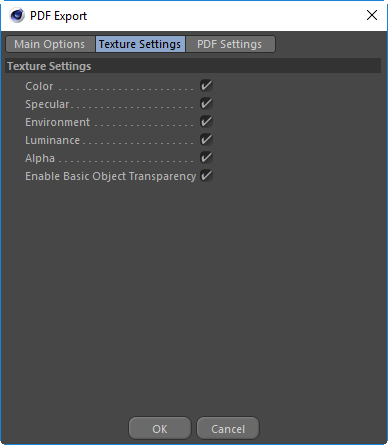
- Sampling of Material Channels
- Color
- Environment
- Alpha
- Luminance
- Support for all UV Projections UVW Mapping, Flat, Cubic, Spherical...
- Specify the texture resolution of sampled channels
- Password Protection and User Permissions
- Retains the full hierarchy within the PDF
- Small file sizes for large geometry
- Support for Materials with Selection Tags
- Basic Transparency for objects in the scene.
- Transparent background option for the 3D scene in Acrobat Reader.
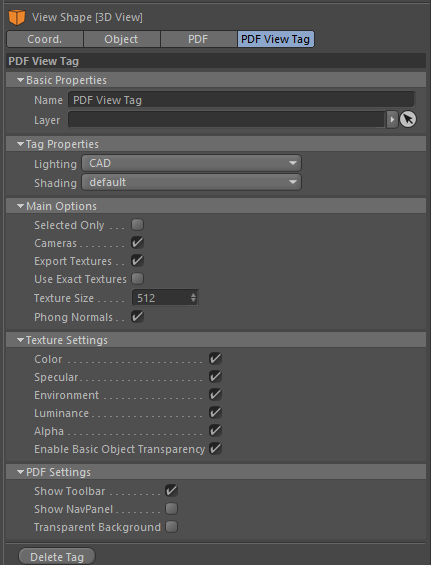
- Options to Hide/Show the 3D PDF Toolbar and Navigation Panel.
- Supports Cinema 4D lighting
- Exports all camera views directly to the PDF Toolbar.
- PRC Exporter
- Basic PRC Importer
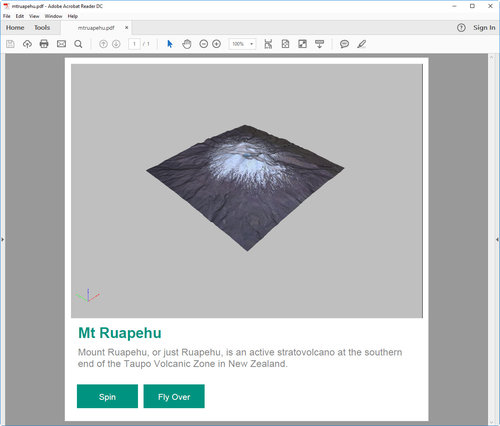
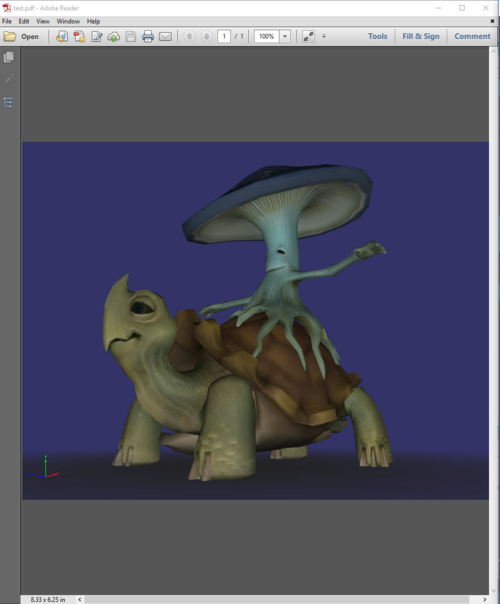
Example PDF Files
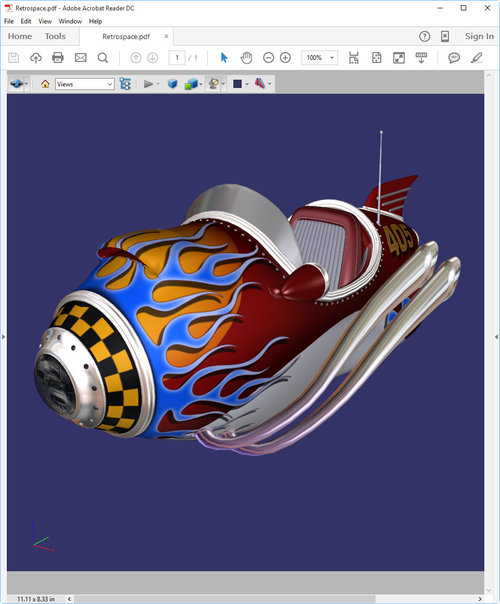
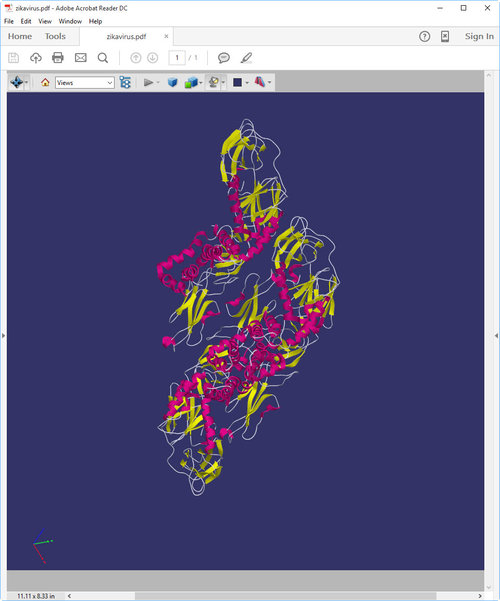
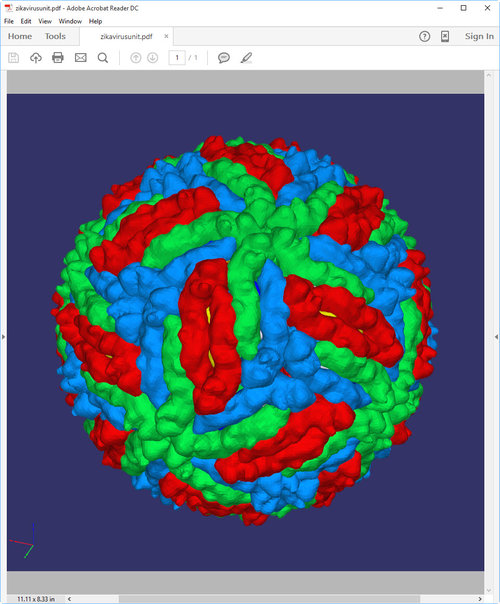
Documentation
For further information be sure to check out the official help documentation.